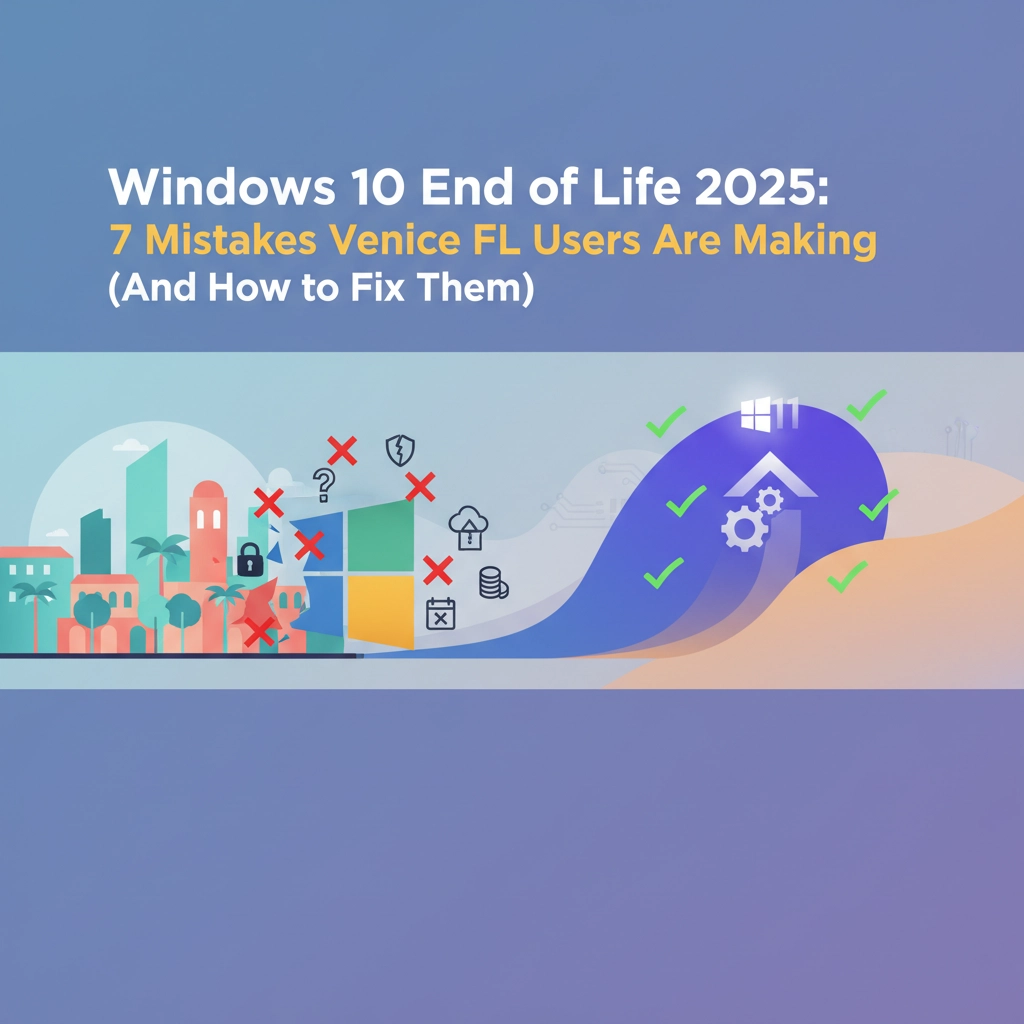

Another month has passed since Windows 10 support officially ended on October 14, 2025, and frankly, many Venice FL users are still scrambling to figure out what went wrong. If you're reading this in November 2025, you're likely dealing with the consequences of decisions made (or not made) over the past year.
Here at Computers Done Right, we've been fielding calls from Venice residents and businesses who are now facing the reality of running an unsupported operating system. The good news? It's not too late to fix these problems. Let's dive into the seven biggest mistakes we're seeing and how you can address them right now.
Mistake #1: Playing the "Wait and See" Game
This was the big one. Throughout 2024 and early 2025, countless Venice users kept saying "I'll deal with it later" or "Maybe Microsoft will extend the deadline." Unfortunately, that deadline came and went, and now these users are stuck with computers that no longer receive critical security updates.
The Impact: Your Windows 10 machine is essentially a sitting duck for cybercriminals. Every new vulnerability discovered becomes a permanent weakness with no one to fix it.
How to Fix It: Stop waiting. You have three main options right now:
- Upgrade to Windows 11 if your hardware supports it
- Enroll in Microsoft's Extended Security Updates (ESU) program for temporary protection
- Replace your device with Windows 11-compatible hardware
The ESU program costs money and is really just buying you time, not a permanent solution.

Mistake #2: Skipping Compatibility Checks Until It Was Too Late
Too many Venice residents waited until September or October 2025 to run Microsoft's PC Health Check tool. By then, discovering your 2018 laptop couldn't handle Windows 11 left you with limited options and even more limited time.
The Impact: Last-minute hardware discoveries meant either paying premium prices for rush replacements or getting stuck with the wrong equipment for your needs.
How to Fix It: If you haven't already, download and run the PC Health Check tool on every computer you own. This will tell you which machines can upgrade and which ones need replacement. Even if it's after the fact, this information is crucial for planning your next moves and budgeting for necessary replacements.
Mistake #3: Thinking "I'll Just Keep Using Windows 10"
We heard this one a lot: "My antivirus will protect me, so I don't need to upgrade." This thinking is dangerously flawed because antivirus software can't patch operating system vulnerabilities that Microsoft has stopped fixing.
The Impact: You're essentially driving a car with known brake problems, hoping your seatbelt will be enough protection.
How to Fix It: If you absolutely must keep some Windows 10 machines running temporarily, isolate them from your main network and limit their internet access. However, this should only be a short-term emergency measure while you plan proper upgrades. Don't treat this as a permanent solution.
Mistake #4: Neglecting Data Backups Before Making Changes
Whether attempting upgrades or replacing machines, many Venice users jumped in without properly backing up their data first. Hardware can fail during migration attempts, and software doesn't always transfer cleanly.
The Impact: Lost family photos, important business documents, email archives, and years of work because "the upgrade should have been simple."
How to Fix It: Back up everything immediately – documents, emails, browser bookmarks, desktop files, and application settings. Create multiple copies stored in different locations (cloud storage, external drives, etc.). Most importantly, test your backups by actually restoring a few files to make sure they work.

Mistake #5: Trying to Handle Everything Yourself
Windows transitions involve compatibility testing, network configuration, security settings, and dozens of technical details. The "I'll just Google it" approach works poorly for business systems or even complex home setups.
The Impact: Venice business owners especially suffered from this mistake, dealing with downtime, lost productivity, and frustrated employees because the "simple upgrade" turned into a technical nightmare.
How to Fix It: Get professional IT help now. A qualified technician can assess your current situation, recommend cost-effective solutions, handle the technical details, and prevent expensive mistakes. The consultation fee is insignificant compared to potential business downtime or data loss.
Mistake #6: Lack of Comprehensive Planning
Many users approached the Windows 10 end-of-life as a single computer problem rather than understanding it as a complete technology refresh opportunity. They missed chances to upgrade networks, improve security, or modernize their entire digital infrastructure.
The Impact: Piecemeal solutions that don't work well together, ongoing compatibility problems, and missing the chance to improve overall system performance and security.
How to Fix It: Take a step back and look at your entire technology setup. If you're going to upgrade or replace computers anyway, this is the perfect time to also improve your internet setup, upgrade your router, implement better backup solutions, and strengthen your cybersecurity practices.

Mistake #7: Underestimating the Learning Curve
Windows 11 looks and works differently than Windows 10. Many Venice users who did upgrade found themselves frustrated with new interfaces, changed menu locations, and different procedures for familiar tasks.
The Impact: Reduced productivity, user frustration, and in some cases, people wanting to revert to Windows 10 (which isn't really a safe option anymore).
How to Fix It: Invest time in learning Windows 11 properly. Microsoft offers free training resources, and local computer classes can help bridge the knowledge gap. For businesses, consider providing Windows 11 training for employees to minimize productivity losses.
What Are Your Options Now?
Since we're already past the October 14, 2025 deadline, your remaining choices are:
Option 1: Upgrade to Windows 11 – If your hardware supports it, this is usually the most cost-effective solution. Professional installation ensures everything transfers correctly and works properly.
Option 2: Extended Security Updates (ESU) – Microsoft offers paid security updates for Windows 10, but this is expensive and only buys you time. It's not a permanent solution.
Option 3: Hardware Replacement – For older computers that can't run Windows 11, replacing the device is often more cost-effective than trying to make old hardware work with new software.
Option 4: Professional Assessment – Before making any major decisions, have a qualified technician evaluate your specific situation and recommend the best path forward.
The Venice Advantage: Local Support Matters
Living in Venice, you have access to local IT professionals who understand the specific challenges of our community. Whether you're a retiree who uses your computer mainly for email and photos, or a local business owner managing multiple systems, having someone nearby who can provide hands-on support makes all the difference.

Don't let the Windows 10 end-of-life situation continue to create problems for your digital life. The longer you wait, the more vulnerable your systems become and the more limited your options get.
Take Action Today
If you're dealing with any of these Windows 10 transition mistakes, don't try to solve them alone. The complexity of modern computer systems means that what seems like a simple problem often has underlying technical requirements that only become apparent when something goes wrong.
Ready to get your Windows situation properly sorted out? Contact Computers Done Right for a FREE assessment of your current setup. We'll evaluate your hardware, understand your needs, and recommend the most cost-effective solution for your specific situation.
Whether you need help upgrading existing computers, selecting new hardware, transferring your data safely, or training on Windows 11, we're here to help Venice residents and businesses navigate this transition successfully.
Don't let Windows 10 end-of-life problems continue to put your data and productivity at risk. Call us today and let's get your technology working reliably for you again.