
Another day, another scam. But this one's different.
You get a video call from your CFO. Same voice. Same face. Same mannerisms. They need you to authorize a wire transfer, urgently. The payment's overdue, and the vendor's threatening legal action. Everything looks legitimate, right down to the company logo in the background of their office.
Except your CFO is sitting two doors down from you. And the person on that call? It's an AI deepfake that just tried to steal $50,000 from your business.
This isn't science fiction anymore. It's happening right now to businesses across Venice, North Port, and Englewood. A Hong Kong-based company lost $25.6 million to a deepfake video call last year. The scammer cloned their CFO's appearance and voice so convincingly that an employee authorized multiple wire transfers without question.
And here's the scary part: major retailers are now experiencing over 1,000 AI-powered scam calls per day. The technology has gotten so good that even security professionals are having trouble spotting the fakes.
If you're a business owner in Southwest Florida, you need to know what to watch for, and what to do the second you suspect something's off.
What Makes AI Deepfakes So Dangerous
Traditional phone scams relied on smooth-talking con artists who hoped you wouldn't verify their identity. If something felt off, you'd hang up and call the person back.
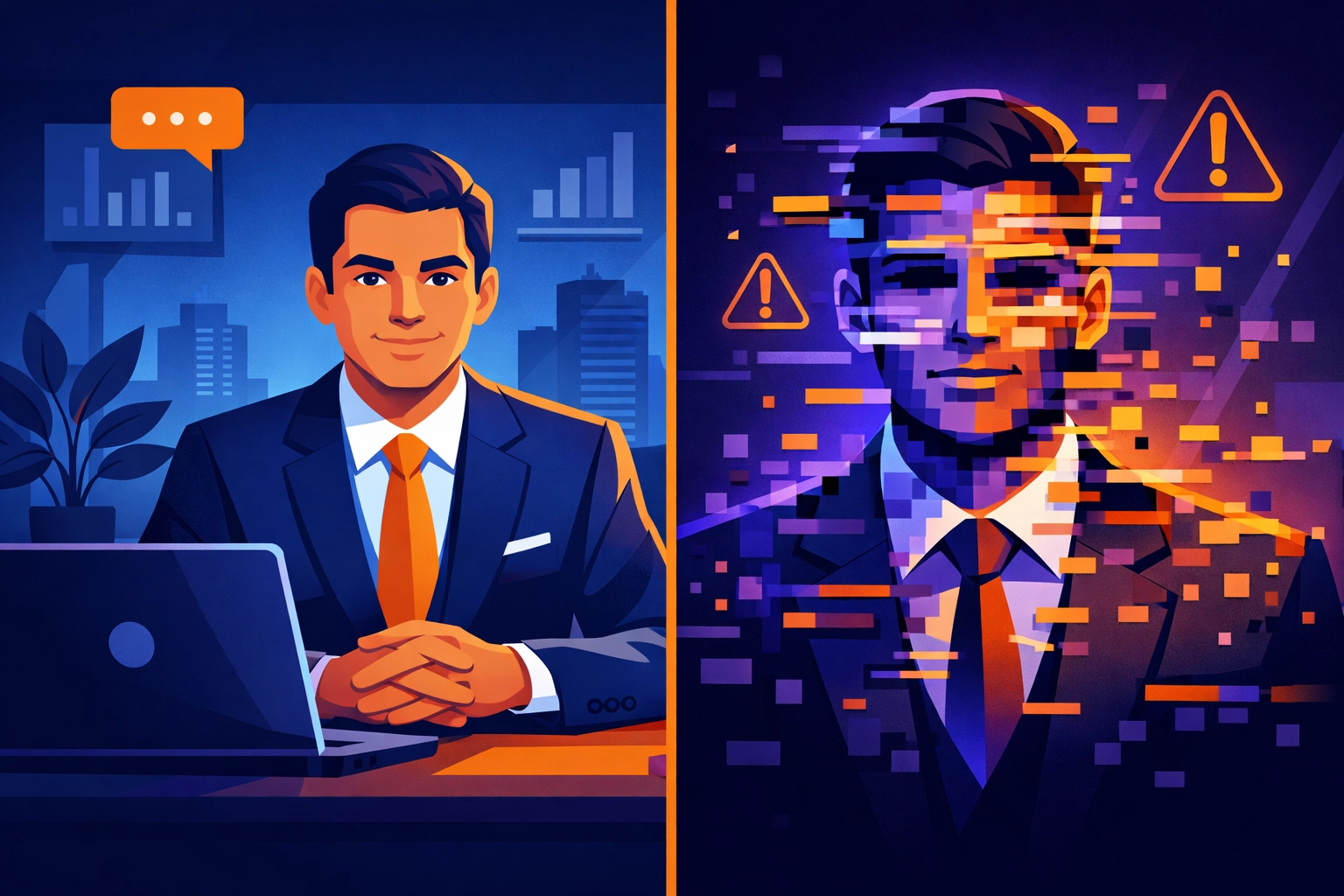
AI deepfakes are different. They don't just sound like your boss or your vendor, they look exactly like them too. The technology can clone someone's voice from just a few seconds of audio (think about all those LinkedIn videos and webinars your executives have posted). Combined with publicly available photos and video footage, scammers can create a convincing digital puppet in hours.
These aren't the glitchy, robotic deepfakes you might remember from a few years ago. Modern AI can mimic facial expressions, speech patterns, and even personal communication styles. The scammer knows your company's recent transactions, references specific projects you're working on, and uses language that sounds authentic because the AI analyzed hundreds of your internal emails.
Truthfully, your gut instinct isn't enough anymore. You need a system.
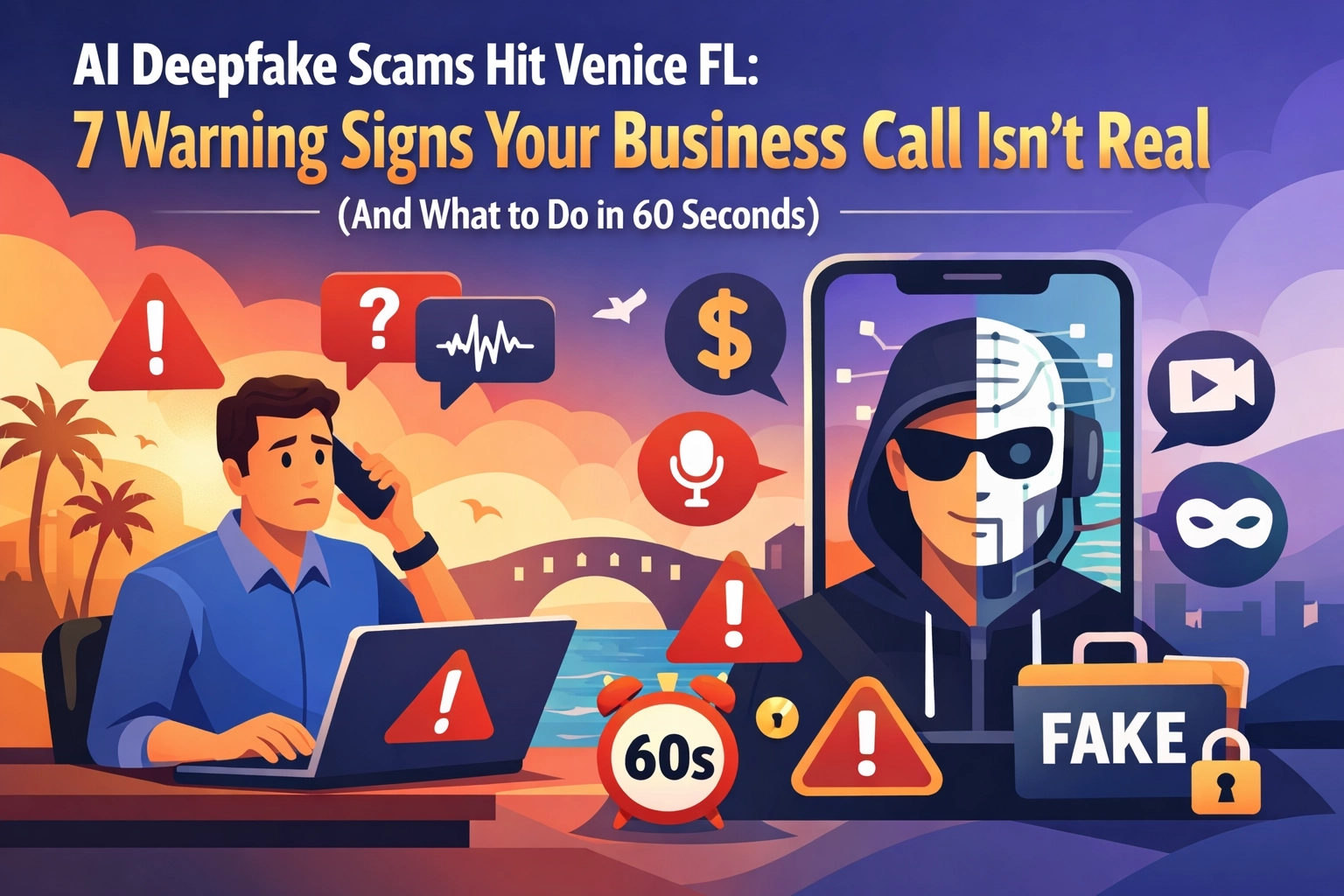
The 7 Warning Signs Your Business Call Isn't Real
Here's what to watch for during any business call that involves money, credentials, or sensitive information:
1. Urgent Requests That Bypass Normal Procedures
Your company has authorization workflows for a reason. If someone's asking you to skip the usual approval chain, even if they claim it's an emergency, that's red flag number one. Legitimate executives understand that security protocols exist to protect the business.
2. Pressure to Act Immediately Without Verification
Scammers rely on urgency. "We need this done in the next ten minutes or we'll lose the contract." Real business emergencies are rare, and they still allow time for proper verification. If someone's pushing you to authorize something RIGHT NOW without giving you time to think, hang up.
3. Requests for Wire Transfers, Gift Cards, or Cryptocurrency
These payment methods are virtually untraceable. If your "CFO" suddenly needs you to buy $5,000 in gift cards or wire money to a new vendor account, stop everything. That's not how legitimate businesses operate.
4. Slight Visual or Audio Glitches During Video Calls
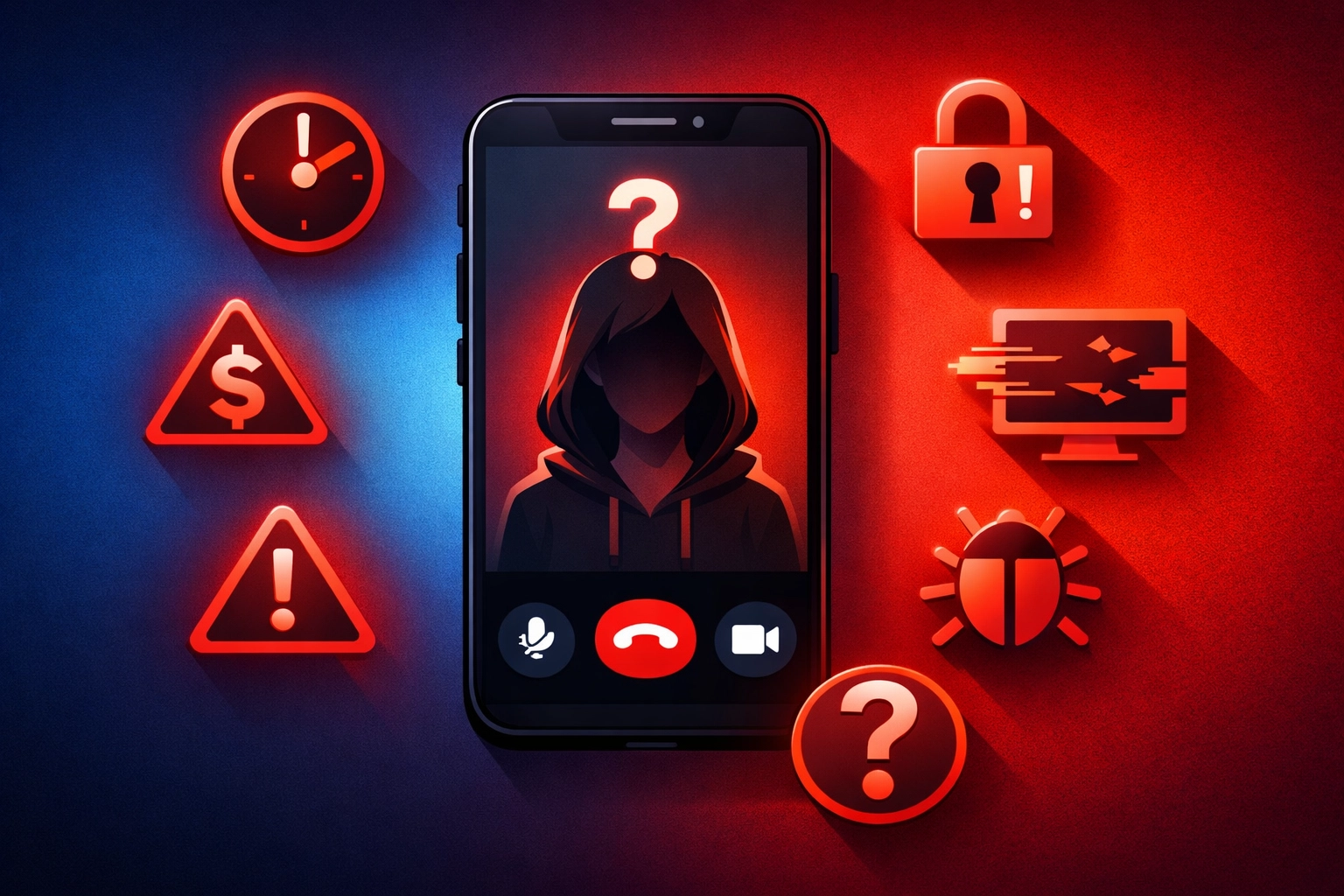
While deepfake technology has improved dramatically, real-time interactive avatars can still exhibit occasional temporal glitches. Watch for:
- Lip movements that don't quite match the words
- Unnatural pauses or stuttering that doesn't match the person's normal speech
- Weird lighting or background inconsistencies
- Moments where the face seems to "freeze" while the audio continues
5. Messages That Reference Internal Details You Didn't Share
AI-powered phishing emails now reference specific organizational details, recent transactions, and individual communication styles because they've scraped that information from data breaches or your company's public communications. If someone mentions details they shouldn't know about, ask yourself: how did they get that information?
6. Requests for Login Credentials or Verification Codes
No legitimate executive or IT professional will ever ask you to share your password, send them a security code, or log into a "verification portal" during a call. If this happens, you're 100% talking to a scammer.
7. Contact Through Unexpected Channels
Your CFO usually emails about financial matters, but suddenly they're calling you on WhatsApp? Your vendor always uses their company phone, but now they're reaching out from a personal cell number? These channel switches are often intentional, scammers use unfamiliar platforms to make you less likely to verify their identity through your usual methods.
What to Do in the Next 60 Seconds
If you spot any of these warning signs, here's your action plan:
Seconds 1-10: Don't Confirm Anything
Don't say "yes," don't authorize anything, and don't provide any information. Simply say, "I need to verify this through our normal channels. I'll call you back in a few minutes."
Seconds 11-30: Hang Up and Verify Independently
End the call immediately. Do NOT use any contact information provided during the call. Instead, look up the person's phone number or email address from your company directory or previous verified communications and reach out directly.
Seconds 31-45: Contact Your Security Team
Alert your IT department or managed service provider right away. Document exactly what happened: what was requested, what the caller looked like and sounded like, and what specific details they referenced. This information helps security professionals identify patterns and protect other employees.
Seconds 46-60: Follow Your Authorization Workflows
Use your company's established procedures for the request, no matter who claimed to authorize it. If your workflow requires two-factor authentication and managerial approval for wire transfers, follow that process without exception.

Why Venice FL Businesses Are Particularly Vulnerable
Here's something business owners in Venice, North Port, and Englewood need to understand: smaller companies are often easier targets than Fortune 500 corporations.
Large enterprises have dedicated security teams, advanced AI detection tools, and multiple layers of authorization for financial transactions. Your local HVAC company, medical practice, or retail shop? You're working with smaller teams where everyone knows everyone: which means you're more likely to trust a familiar face on a video call without questioning it.
Unfortunately, that trust is exactly what scammers are exploiting. They know small businesses in Southwest Florida often have:
- Limited IT security budgets
- Fewer verification procedures for financial transactions
- Employees who wear multiple hats and may lack cybersecurity training
- Public-facing social media presence that provides plenty of material for voice and image cloning
The good news? You don't need a Fortune 500 budget to protect yourself. You just need awareness and a solid verification system.
Building Your Defense Against AI Deepfakes
Human judgment increasingly fails against AI-generated attacks, so institutional verification procedures are now your most reliable defense. Here's what that looks like in practice:
Establish Clear Authorization Workflows
Create a written policy that requires multiple verification steps for any financial transaction, credential request, or sensitive data transfer. Make sure every employee knows that NO ONE: not the CEO, not the CFO, not the owner: can override these procedures during a phone or video call.
Implement Code Words or Verification Questions
Some businesses now use pre-established code words or security questions for high-stakes requests. If your controller calls asking for a wire transfer, you ask the verification question. If they can't answer it correctly, you hang up and verify through other channels.
Train Your Team Regularly
Cybersecurity isn't a one-time training session. Schedule quarterly updates to show employees the latest scam tactics, including actual examples of deepfake videos and AI-generated phishing emails. When your team knows what to watch for, they're far less likely to fall victim.
Use Multi-Channel Verification
For any significant financial transaction or sensitive request, require verification through at least two different communication channels. If someone calls, verify by email. If someone emails, verify by phone: using contact information from your company directory, not what's in the message.
The Bottom Line for Southwest Florida Businesses
No system is 100% impenetrable, but you can make your business a much harder target by implementing these straightforward security measures. Scammers are looking for easy victims: companies that don't verify requests, that skip authorization procedures under pressure, and that haven't trained their employees to recognize AI-powered attacks.
Don't be that company.
The reality is that AI deepfake technology will only get better and more convincing. But so will your defenses: as long as you're willing to take cybersecurity seriously and invest in proper procedures and training.
At Computers Done Right, we help Venice, North Port, and Englewood businesses build comprehensive security systems that protect against deepfakes, ransomware, phishing attacks, and every other threat facing modern companies. We're not talking about expensive enterprise solutions: we're talking about practical, affordable protection that fits your budget and actually works.
Want to know where your business is vulnerable? We offer a FREE cybersecurity assessment that identifies your specific risks and shows you exactly how to fix them. No pressure, no sales pitch: just honest advice from local IT professionals who've been protecting Southwest Florida businesses for years.
Click here to schedule your free assessment, or give us a call at your convenience. Because when it comes to AI scams and deepfake attacks, the best time to protect your business was yesterday. The second best time is right now.