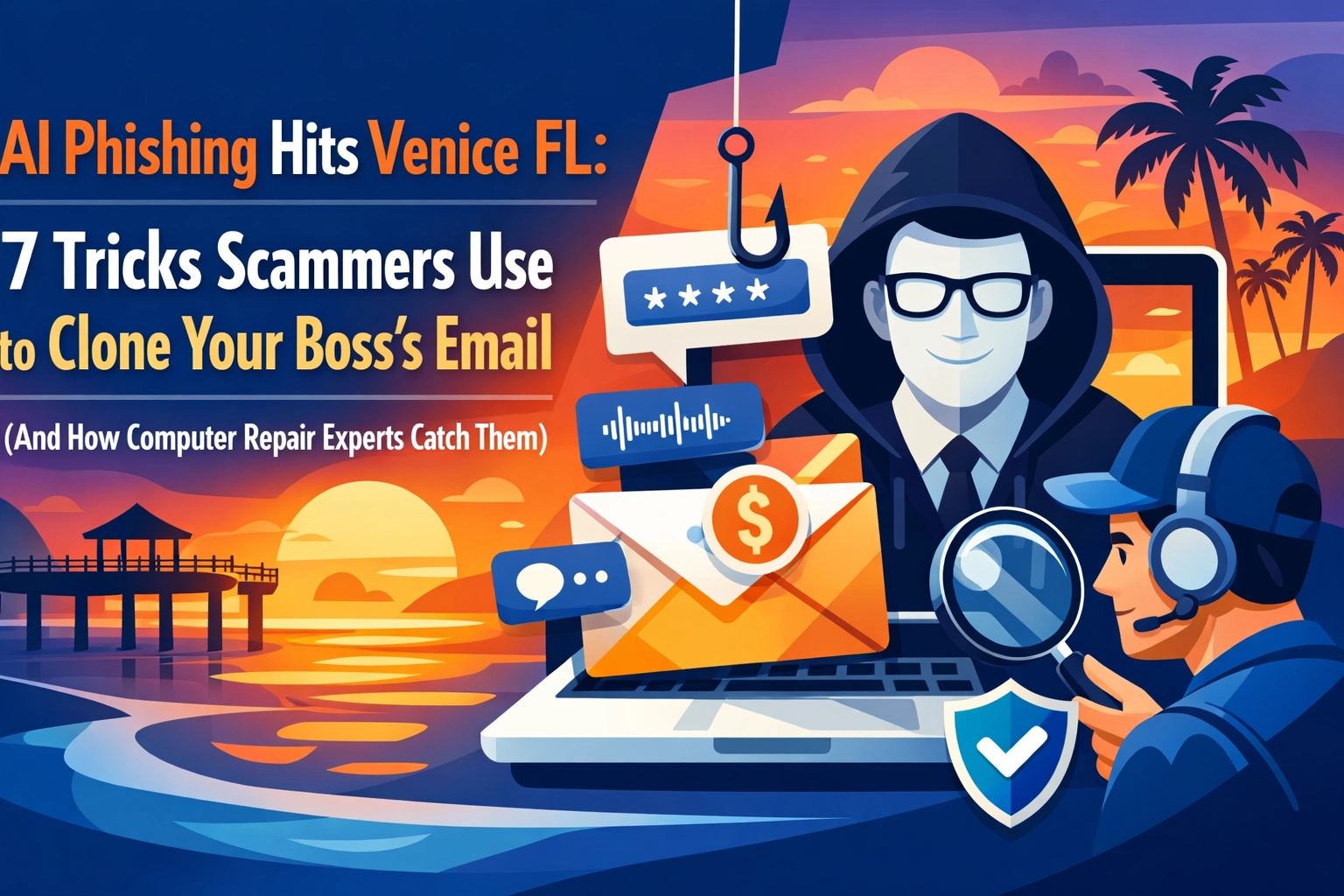

Another day, another email from your boss asking you to wire money or share sensitive files. Except this time, it's not really your boss. It's a scammer using AI to perfectly clone their writing style, email signature, and even their urgency.
If you think this sounds like something out of a sci-fi movie, think again. AI-powered phishing attacks are hitting Venice, North Port, and Englewood businesses right now, and they're getting frighteningly good at fooling even the most tech-savvy employees.
Here's the kicker: In 2025, 76% of phishing URLs were completely unique, making them invisible to traditional spam filters that rely on known threat databases. The days of spotting obvious typos and sketchy grammar? Those are long gone. AI has changed the game, and your inbox is the new battlefield.
Let's break down the seven sneaky tricks scammers are using to clone your boss's email, and more importantly, how computer repair and cybersecurity experts catch them before they drain your bank account.
Trick #1: The "Polymorphic Phishing" Shape-Shifter
Scammers now use AI to create thousands of variations of the same phishing email. Each version looks slightly different, different subject lines, different wording, different sender domains, but they all lead to the same malicious outcome.
Think of it like this: Instead of sending one fishing line into the water, they're casting a net with thousands of unique hooks. Even if your spam filter catches one, 999 others slip right through.
How experts catch it: Advanced cybersecurity systems analyze email behavior patterns rather than just looking for known threats. At Computers Done Right, we implement contextual analysis tools that examine whether the email actually makes sense in the context of your normal business communications.
Trick #2: Business Email Compromise (BEC) Without the Red Flags

Here's what keeps cybersecurity professionals up at night: Nearly one in five malicious emails now contain no links, no attachments, and no obvious warning signs. They're just… conversations.
"Hey, can you send me last quarter's financial spreadsheet? I'm in a meeting and don't have access to my files."
Sounds reasonable, right? That's exactly what makes it dangerous. AI has learned to mimic your boss's communication style so well that generative tools have eliminated the grammatical errors and awkward phrasing that used to give scammers away.
How experts catch it: We teach employees (and ourselves) to implement multi-step verification for ANY sensitive request, even if it seems to come from a trusted source. If your "boss" asks for sensitive data via email, pick up the phone and call them using a number you already have saved, not one provided in the email.
Trick #3: Hyper-Personalized Content That Knows Too Much
Remember when phishing emails were obviously generic? "Dear Valued Customer" and all that nonsense? AI has changed everything.
Modern scammers use AI to scrape your social media, LinkedIn profiles, and even public business records to craft emails that reference your actual projects, colleagues, and recent activities. They know you just got back from vacation. They know your company is hiring. They know your vendor relationships.
"Hi Sarah, hope you had a great time in Naples last week! Quick question about the Henderson account…"
Creepy, right? That's the power of AI-driven personalization.
How experts catch it: Security professionals monitor what information about your business is publicly available and help you implement data privacy practices. We also set up systems that flag unusual requests: even from "known" contacts: when they involve financial transactions or sensitive data.
Trick #4: Domain Spoofing on Steroids

Scammers have gotten creative with domain names. They're not just using "microsfot.com" anymore (notice the missing 'o'). They're using obscure domain extensions that look legitimate at first glance.
In 2025, credential phishing campaigns using the ".es" domain extension increased 51-fold year over year. That means emails coming from addresses like "accounts@yourcompany-billing.es" or "hr@payroll-update.es" are flooding inboxes across Venice and beyond.
Your brain sees a professional-looking email address and assumes it's safe. By the time you realize that .es domain isn't your actual company, you've already clicked.
How experts catch it: Computer repair and IT support professionals configure email systems to flag external emails that contain internal-looking domain names. We also implement link-scanning tools that verify the actual destination of any URL before you click.
Trick #5: The "Urgent Action Required" Time Crunch
AI doesn't just clone writing styles: it weaponizes psychology. Scammers know that when you're rushed, you make mistakes. So their AI-generated emails create artificial urgency:
"URGENT: Wire transfer needed by 2 PM today"
"ACTION REQUIRED: Account will be suspended in 1 hour"
"IMMEDIATE RESPONSE NEEDED: Security breach detected"
The ticking clock in your head overrides your better judgment. You click first and think later. That's exactly what they're counting on.
How experts catch it: We train Venice-area businesses to implement mandatory cooling-off periods for urgent financial requests. No matter how "urgent" an email seems, company policy requires a phone call verification before any money moves. This simple step has prevented countless business owners from losing tens of thousands of dollars.
Trick #6: Conversation Threading That Continues Legit Email Chains

This one is particularly devious. Scammers use AI to infiltrate existing email threads: actual conversations you're already having with real colleagues or vendors. They reply to legitimate threads with malicious requests that seem like a natural continuation of the conversation.
You're already in "work mode" with this email chain, so your guard is down. The context is real, the previous messages are authentic, and then boom: a compromised account injects a fake request right into the middle of your workflow.
How experts catch it: Modern email security systems can detect anomalies in email headers and routing paths. Even if a message appears in a legitimate thread, advanced tools can identify when it's coming from a compromised account or spoofed source. We also encourage the "trust but verify" approach: when someone's request seems even slightly off, verify through a different communication channel.
Trick #7: Mobile-Optimized Attacks That Exploit Smaller Screens
Scammers know you're reading emails on your phone. That smaller screen makes it harder to inspect URLs, verify sender addresses, and spot inconsistencies. AI helps them design phishing emails specifically optimized for mobile devices where the usual warning signs are harder to detect.
On your phone, you can't hover over a link to see where it really goes. The sender's full email address is truncated. You're probably multitasking: walking, commuting, or in line at Publix: so you're even more distracted than usual.
How experts catch it: Mobile device management and mobile message filtering tools are essential for businesses in Venice and North Port. We help companies implement security policies that limit sensitive transactions on mobile devices and deploy apps that scan links before they open.
What You Can Do Right Now to Protect Your Venice Business

Understanding these tricks is just the first step. Here's what Computers Done Right recommends you implement today:
For Business Owners:
- Establish verification protocols for any financial requests: no exceptions, even from the CEO
- Train employees to recognize that perfect grammar and professional tone are no longer indicators of legitimacy
- Implement multi-factor authentication on all email and financial accounts
- Monitor for anomalous login activity and set up automatic locks for suspicious behavior
- Consider partnering with local IT support to conduct regular security assessments
For Employees:
- Never click links in unexpected emails, even from known senders
- Verify requests through a different communication method (if you get an email, call them)
- Watch for slight variations in email addresses and domain names
- Report suspicious emails to your IT team immediately: false alarms are better than breaches
- Remember: Your boss won't mind you double-checking a request. Scammers will.
The Bottom Line for Venice FL Businesses
AI has made phishing attacks more sophisticated, more personalized, and harder to detect than ever before. But here's the good news: With the right combination of technology, training, and common sense, you can protect your business from becoming another statistic.
The computer repair and cybersecurity experts at Computers Done Right see these attacks every single day. We help Venice, North Port, and Englewood businesses implement layered defenses that catch what spam filters miss and train teams to spot the red flags that AI can't quite hide.
No system is 100% impenetrable, but the combination of smart technology and aware employees creates a formidable defense that most scammers will simply give up on and move to easier targets.
Don't wait until your business bank account is emptied or your customer data is compromised. The next email in your inbox could be the one that costs you everything.
Ready to strengthen your defenses against AI-powered phishing attacks? Contact Computers Done Right for a FREE security assessment. We'll analyze your current vulnerabilities and implement practical solutions that actually work: without the corporate IT jargon.
Because in 2026, your email security is too important to leave to chance. Let's get it done right.