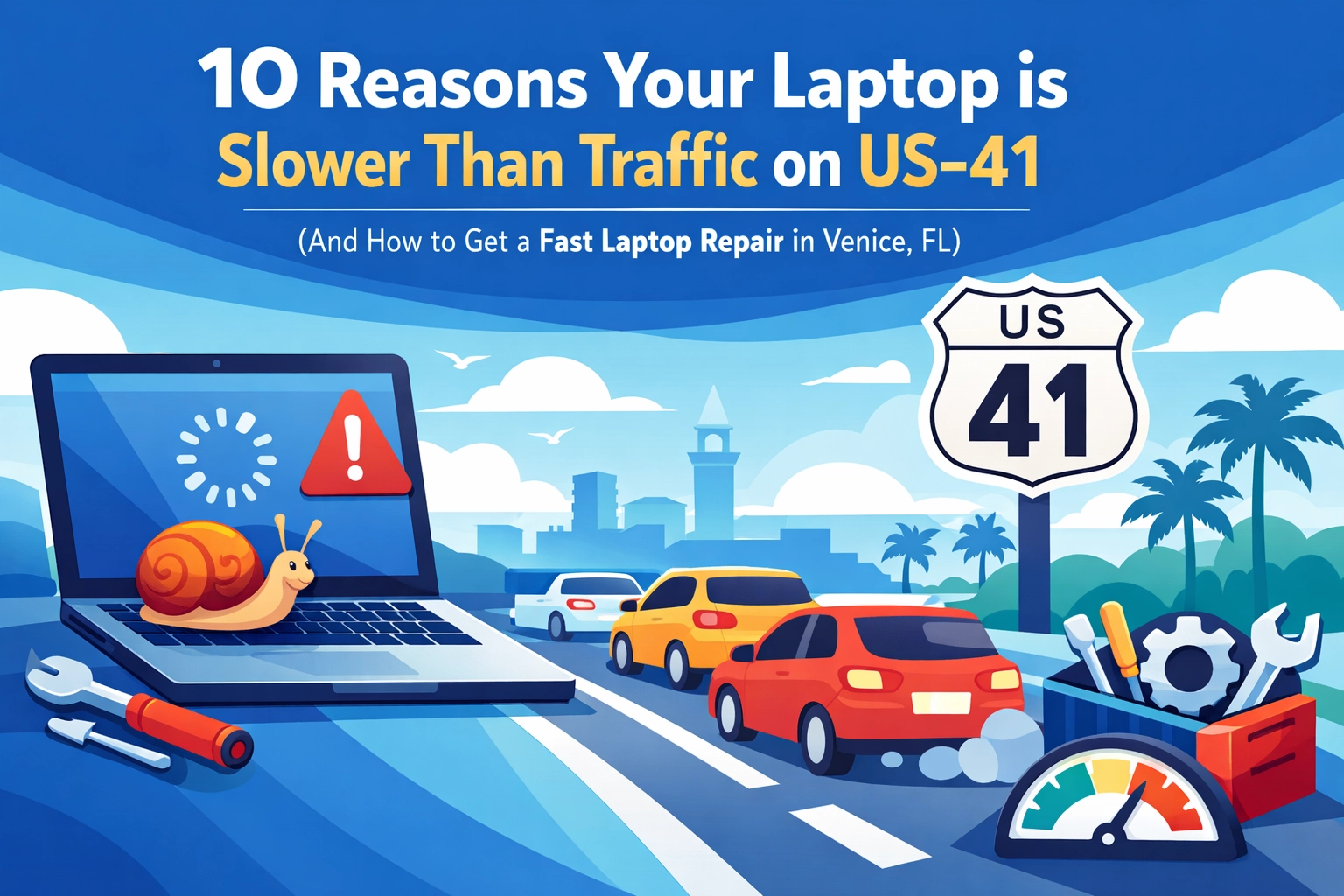

Another day, another spinning wheel of death! If you’ve lived in Venice, FL for more than five minutes, you know the frustration of being stuck on US-41 during season. You’re sitting there, staring at a bumper, wondering if you’ll ever reach your destination. Now, imagine that same feeling, but it’s happening on your laptop screen while you’re trying to send an urgent email or finish a project for your business.
Truthfully, a slow computer isn’t just a nuisance; it’s a productivity killer. Whether you’re a remote worker in North Port or a business owner in downtown Venice, you don’t have time to wait for your device to catch up to your brain. At Computers Done Right, we see frustrated users every day who are ready to toss their MacBooks into the Gulf of Mexico. Before you do that, let’s look at why your tech is dragging its feet and how a professional computer repair in Venice, FL can save your sanity.
1. Your Startup List is Longer than the Line at Snook Haven
Every time you turn on your laptop, dozens of programs think they’re the most important thing in the world and try to launch simultaneously. From Spotify to that random printer utility you used once in 2022, these "background" apps eat up your processing power before you’ve even opened a browser.
Business owners need to understand that these "vampire apps" don’t just slow down the boot time; they stay running in the background, sucking the life out of your RAM all day long. If your laptop takes five minutes to become usable, it’s time to trim the fat.
2. You’re Suffering from "Tab-itis"
We’ve all been there. You start with one Google search and thirty minutes later, you have 47 tabs open. Each one of those tabs is a tiny slice of memory being occupied. If you’re using Google Chrome, it’s even worse: Chrome is notorious for being a memory hog.
When your RAM (Random Access Memory) fills up, your laptop starts using your hard drive as "virtual memory." The problem? Even the fastest hard drive is significantly slower than RAM. This is a common culprit we address during our business IT support in Venice, FL sessions.

3. Your Hard Drive is Gasping for Air
Think of your hard drive like a closet. If it’s 99% full, you can’t find anything, and you certainly can’t move around to organize. Your operating system needs about 10-20% of free space just to perform basic "housekeeping" tasks.
If you see a red bar on your storage meter, your laptop is literally struggling to breathe. This is also a major risk factor for data loss. If you’re worried about your files, our data recovery in Venice, FL team can help move your data to a safer, faster home before your drive gives up the ghost entirely.
4. You’re Still Using a Mechanical Hard Drive (HDD)
If your laptop is more than a few years old, it might have a traditional spinning hard drive. In 2026, these are the technological equivalent of a horse and buggy. Upgrading to a Solid State Drive (SSD) is the single most impactful "fast laptop repair" you can get. It’s like trading in a golf cart for a Tesla. Everything from booting up to opening files becomes near-instantaneous.
5. Uninvited Guests (Malware and Viruses)
Unfortunately, the internet isn’t as safe as a quiet afternoon at Caspersen Beach. Malware, spyware, and even AI-powered ransomware can operate in the background, stealing your data and your CPU cycles.
If your laptop is acting "weird": random pop-ups, fans spinning for no reason, or your cursor moving on its own: you might have a security breach. We’ve seen a massive uptick in AI-driven scams and deepfakes targeting local residents. If your computer is compromised, it’s not just slow; it’s dangerous.

6. Florida Humidity and "Dust Bunnies"
Our Florida climate is beautiful, but it’s tough on electronics. Humidity and salt air can lead to internal corrosion, and the heat causes your laptop’s fans to work overtime. Over time, those fans suck in dust, pet hair, and lint, creating a blanket over your processor.
When your laptop gets too hot, it "thermally throttles": meaning it intentionally slows down so it doesn't melt itself. If your laptop feels like a hot plate, it’s time for a professional cleaning. A quick physical tune-up at Computers Done Right can often boost speeds instantly.
7. Outdated Operating Systems and Drivers
Are you still hitting "Remind Me Later" on those Windows or macOS updates? We get it, updates are annoying. However, those updates often contain critical performance patches and security fixes. Running an outdated OS is like trying to run a modern marathon in 1970s sneakers. You might finish, but it’s going to be painful and slow.
For our business clients, keeping software updated is a cornerstone of business IT support in Venice, FL, as it prevents compatibility issues that can grind your workflow to a halt.
8. Power Management Traps
Sometimes the fix is incredibly simple. If you’re working off the battery, your laptop might be set to "Power Saver" mode. This setting tells your computer to intentionally run slower to save juice. While great for a long flight, it’s frustrating when you’re plugged in at your desk. Double-check your power settings and make sure you’re set to "High Performance" when you need to get things done.
9. Fragmented Data and Registry Bloat
Every time you install or uninstall a program, bits and pieces of data are left behind. Over years of use, your computer’s "map" of where files are located becomes a mess. While modern computers are better at managing this than they used to be, "clutter" is still a real thing. A deep software cleaning can often find and remove gigabytes of junk that are weighing your system down.
10. The Hardware is Just… Old
We hate to be the bearers of bad news, but technology has an expiration date. Software becomes more demanding every year. If you’re trying to run 2026 AI-powered software on a laptop from 2018, you’re going to have a bad time.
However, "old" doesn't always mean "trash." Often, a simple RAM upgrade or an SSD swap can add another 3-4 years of life to a machine. We’re big fans of practical everyday uses for AI, but you need the hardware to back it up!

Why You Shouldn't Just "Deal With It"
In Venice, Englewood, and North Port, we’re lucky to have a vibrant business community. But no business can thrive when the tools of the trade are broken. A slow laptop leads to:
- Employee Frustration: No one likes working on a brick.
- Lost Revenue: If it takes 10 seconds longer to process every transaction, that adds up to hours of lost time per month.
- Security Vulnerabilities: Slow computers are often unpatched computers, making them prime targets for AI-powered threats.
Hurricane Season and Your Tech
Since we are in Florida, we also have to mention the "S" word: Storms. A slow, aging laptop is more likely to fail during a power surge or a sudden shutdown. Part of our data recovery and backup strategies involves making sure your hardware is robust enough to handle the stresses of our local climate. Don't wait until a hurricane is in the Gulf to realize your backup hasn't run in six months because the computer was "too slow" to finish the task.
The Computers Done Right Difference
If your laptop is driving you crazy, don’t settle for "traffic speed." Whether you need a simple cleanup, a hardware upgrade, or a complete virus removal and ransomware recovery, we’ve got your back.
We pride ourselves on being the most reliable team for computer repair in Venice, FL. We don't use confusing tech jargon, and we won't try to sell you a new computer if your current one just needs a little TLC.
Ready to get back into the fast lane?
Stop struggling with a device that won't cooperate. Let the experts at Computers Done Right give your tech a check-up. We serve home users and businesses throughout Venice, North Port, Englewood, and Sarasota.
Click here to schedule your FREE assessment or give us a call today. Let’s make your laptop as fast as a clear run down I-75!

Computers Done Right
Reliable IT Services & Computer Repair
Visit our Blog for more Tech Tips