
Another day, another tech headache! You’re sitting in your home office in Venice, looking out at the palm trees, ready to get some work done or maybe just browse the local news, and your computer decides it’s the perfect time to go on strike. We’ve all been there. Whether it’s a spinning wheel of death that won't go away or a laptop that’s acting more like a very expensive paperweight, technology has a funny way of failing us right when we need it most.
In Southwest Florida, we face some unique challenges: from the humidity affecting our hardware to the influx of seasonal residents needing quick tech support. If you’re looking for computer repair in Venice, FL, you’re not alone. The good news? You don’t always need to panic. At Computers Done Right, we’ve seen it all, from Sarasota to North Port.
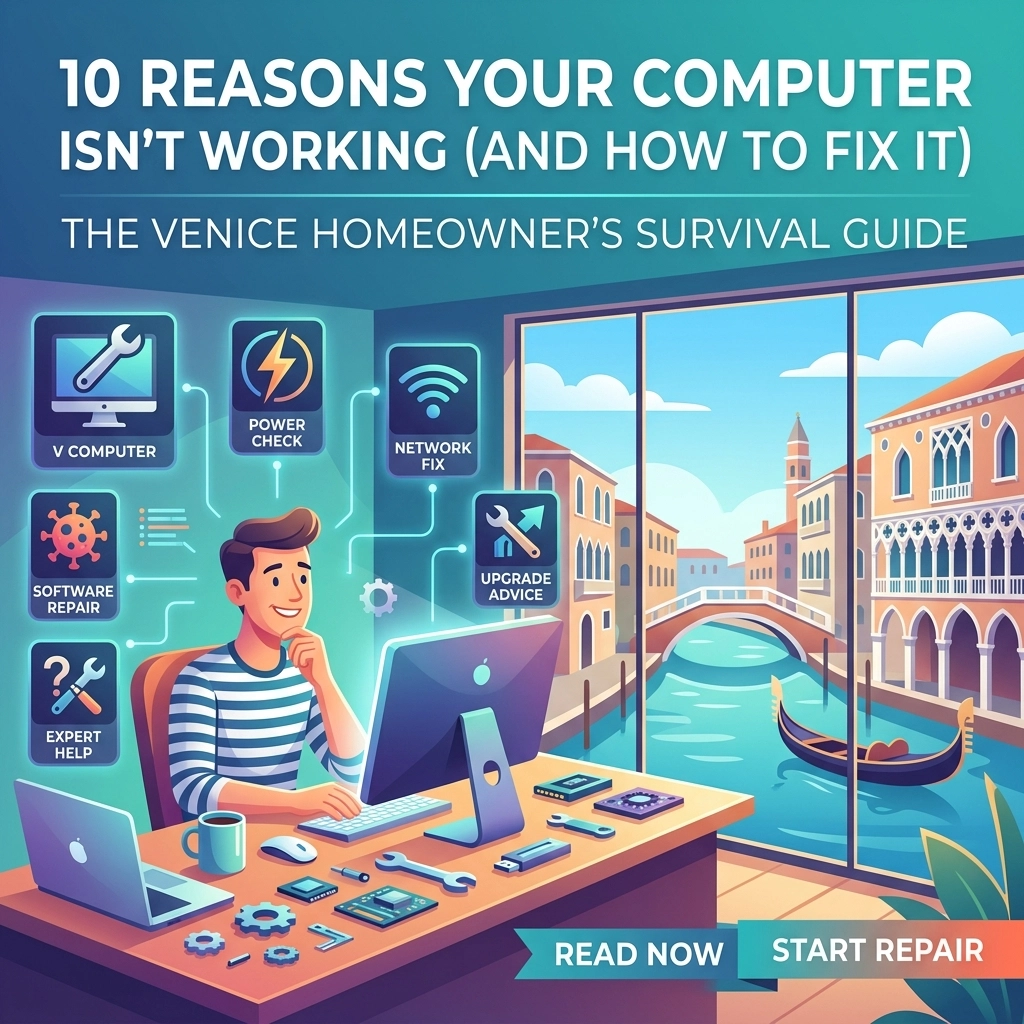
Here is our ultimate "Survival Guide" for the 10 most common reasons your computer is acting up and what you can do to bring it back to life.
1. The "Snail’s Pace" Syndrome (Slow Performance)
The Problem: You click an icon, and you have enough time to go make a sandwich before the app actually opens. A slow PC is arguably the most frustrating issue for home users.
The Impact: It kills your productivity and makes simple tasks like checking email feel like a chore. Truthfully, most people assume they just need a new computer, but that’s often not the case!
The Fix:
- Check your Startup Apps: Many programs force themselves to start when your computer turns on. Open your Task Manager (Ctrl+Shift+Esc) and disable things you don’t need immediately.
- Hard Drive Health: If you’re still using an old-school mechanical hard drive, your computer is basically running on a treadmill from 1995. Upgrading to a Solid State Drive (SSD) is the single best thing you can do for laptop repair in Venice, FL.
- The Broader Lesson: Computers need "breathing room" in their memory. If your drive is 95% full, it’s going to struggle.
2. The Unwanted Guest (Viruses and Malware)
The Problem: Strange pop-ups, your search engine changing to something you’ve never heard of, or friends telling you they received a weird email from you.
The Impact: This isn't just an annoyance; it's a security risk. Your personal data, banking info, and family photos are at stake. With the rise of AI-driven threats, homeowners need to be more vigilant than ever. Check out our guide on AI scam warning signs to see how deep these tricks can go.
The Fix:
- Scan It: Run a reputable antivirus scan immediately.
- Don’t Click the "Help" Pop-ups: If a screen pops up saying your computer is locked and you need to call a number, do not call it. It's a scam.
- Professional Help: Sometimes malware hides deep in the system registry. For thorough computer virus removal in Venice, FL, it’s often safer to let a pro wipe the infection properly.

3. Wi-Fi "Dead Zones" and Connectivity Woes
The Problem: You have great internet in the kitchen, but the second you go to the bedroom in your North Port home, the signal vanishes. Or worse, the Wi-Fi just stops working altogether.
The Impact: In 2026, a home without Wi-Fi is like a home without running water. It stops everything from your Netflix streaming to your smart thermostat.
The Fix:
- The Classic Reboot: Unplug your router, wait 30 seconds, and plug it back in. It’s a cliché for a reason: it works!
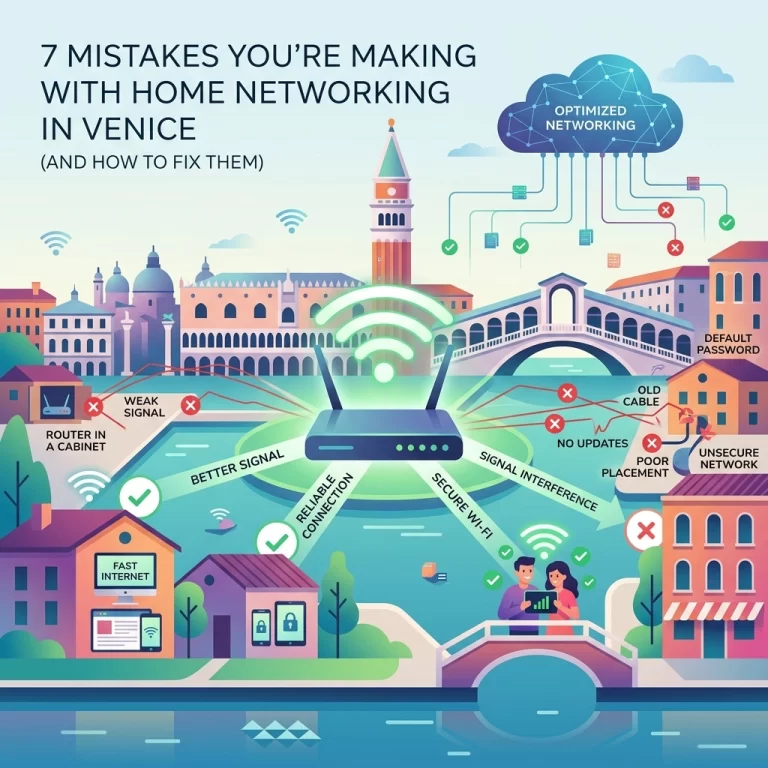
- Positioning: Move your router to a central location. Florida homes often have thick concrete or block walls that eat Wi-Fi signals for breakfast.
- Home Networking Upgrade: If you have a larger home in Sarasota or Englewood, a mesh Wi-Fi system can blanket your entire property in high-speed signal. We specialize in home networking in Venice, FL, and can help you eliminate those dead spots for good.
4. The "Blue Screen of Death" (BSOD)
The Problem: You’re working along, and suddenly everything turns blue with a bunch of white text and a sad face emoji.
The Impact: It’s terrifying because it usually happens without warning and can lead to lost work.
The Fix:
- Note the Error Code: There is usually a QR code or a text string (like CRITICAL_PROCESS_DIED). Google that on your phone to see if it’s a simple driver issue.
- Update Drivers: Often, a BSOD is caused by a hardware component (like your graphics card) not talking correctly to Windows.
- Check for Overheating: If your fans are screaming like a jet engine right before the blue screen, it’s likely a heat issue.
5. Hardware Heartbreak (Cracked Screens & Dead Batteries)
The Problem: You dropped your laptop on the tile floor, or the battery only lasts 12 minutes before dying.
The Impact: This makes your device non-portable and potentially dangerous (swollen batteries are a fire hazard!).
The Fix:
- Screen Replacement: Don't try to "glue" a screen. It needs a professional panel replacement.
- Battery Calibration: Sometimes a "dead" battery just needs to be recalibrated, but usually, after 3-4 years, they simply need to be swapped out. For reliable laptop repair in Venice, FL, we keep common parts in stock to get you back up and running fast.

6. The "Invisible" Files (Data Loss)
The Problem: You go to look for last year's tax returns or those photos from the Venice Shark’s Tooth Festival, and they’re just… gone. Or your external drive starts making a clicking sound.
The Impact: This is the most emotional part of tech repair. Hardware can be replaced; memories cannot.
The Fix:
- STOP using the device: If you suspect a hard drive failure, turn it off immediately. Continuing to use it can physically damage the data.
- Cloud Backups: Start using OneDrive, Google Drive, or iCloud today.
- Data Recovery: If the worst happens, don't lose hope. We provide expert data recovery in Venice, FL and have specialized tools to pull files from "dead" drives.
7. Overheating in the Florida Sun
The Problem: Your computer gets incredibly hot to the touch and then shuts down unexpectedly.
The Impact: Heat is the silent killer of electronics. It fries motherboards and shortens the lifespan of your CPU.
The Fix:
- Clean the Dust: Grab a can of compressed air and blow out the vents. You’d be surprised how much Florida dust and pet dander can clog a laptop.
- Hard Surfaces Only: Never use your laptop on a blanket or pillow; it smothers the intake fans.
- Check the Environment: If your home office is a sunroom that hits 85 degrees, your computer is going to struggle.
8. Peripheral Ghosting (Printers and Webcams)
The Problem: Your printer was working yesterday, and today it claims it "doesn't exist," even though it's sitting right there on the desk.
The Impact: It usually happens right when you need to print a boarding pass or join a Zoom call.
The Fix:
- Check the Cables: Seriously, check them.
- Remove and Reinstall: Go into your settings, "Remove" the printer, and add it back again.
- Driver Refresh: Manufacturers update software all the time. A quick visit to the manufacturer’s website can solve 90% of these "ghosting" issues.
9. The Holiday Hangover (Post-Update Glitches)
The Problem: Windows ran an update overnight, and now your sound doesn't work or your icons have moved.
The Impact: It’s a disruption to your routine and can sometimes break compatibility with older software you rely on.
The Fix:
- System Restore: You can "roll back" your computer to a point in time before the update happened.
- Check for "Acting Weird": If your device is acting strangely after a break or holiday, it might have been compromised. Read our guide on 10 warning signs your device has been compromised.

10. The "Total Silence" (Won't Turn On At All)
The Problem: You hit the power button and… nothing. No lights, no fans, no life.
The Impact: Total panic.
The Fix:
- The Power Brick: Check if the light on your charger is on. If not, the charger might be dead, not the laptop.
- Hard Reset: Unplug everything, hold the power button down for a full 60 seconds, then plug only the power back in and try again. This drains static electricity that can sometimes "lock" a motherboard.
- Pro Diagnosis: If it still won't budge, it could be a failed power supply or a motherboard short. This is where you call in the experts.
Why Venice Residents Trust Computers Done Right
We know that for many of our neighbors in Venice, North Port, and Sarasota, a computer is a lifeline to family, friends, and the world. When it breaks, you don't want a "geek" who talks down to you or a big-box store that wants to ship your laptop away for three weeks.
You want a friendly local expert who understands that your data is private and your time is valuable. No system is 100% impenetrable, and no hardware lasts forever, but with the right partner, you can navigate these tech hurdles with ease.
Are you tired of fighting with your tech? Whether you need venice fl computer repair, a Wi-Fi boost, or a total system cleanup, we are here to help.
Don't wait until the blue screen stays forever!
Click here to visit our homepage or give us a call today for a FREE initial assessment. Let's get your computer running the way it was meant to: the right way!